• Home
  • Resources
  • Free Downloads
  • Core Collections
    • Calm Collection
    • Community Collection
    • Character Collection
  • Blog
  • Meet Katie
  • More...
    • Quote Colouring Pages
    • FAQ
    • Clip Art TOU
    • Podcast Episodes
  Teachers Resource Force

Teachers Resource Force
​The Blog

How to encourage your students to read question papers carefully!

5/6/2016

0 Comments

 
We are in the thick of exam season in the UK, and it's a stressful time for all. To lighten the mood a little bit while still getting a very important message across to students, I have got 2 fun and free resources to share with you!
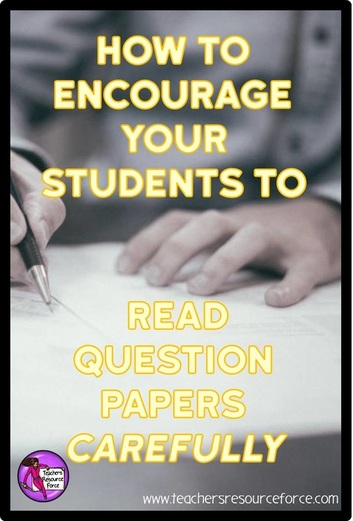
How to encourage your students to read question papers carefully. We are in the thick of exam season in the UK, and it's a stressful time for all. To lighten the mood a little bit while still getting a very important message across to students, I have got 2 fun and free resources to share with you! www.teachersresourceforce.com
A big problem I have found that students often make when taking exams, is they fail to read the questions carefully. It is so frustrating, especially when you know they know the answer but nerves got the better of them. Well, to inject a bit of humour while still drumming this point home, show them this hilarious video clip from a Mr Bean episode! ​I just love this - aside from the unsuccessful cheating, this really gets the message across to check the exam paper very carefully!
The second resource is my free Fake Exam! This is a clever way of getting your students to really read all instructions carefully before taking a test. It will be sure to make an impact and stick in their minds next time they sit an exam. (Just try not to laugh while they are doing it!).

If your students are still taking exams, I wish them the best of luck!



0 Comments


Leave a Reply.

    CATEGORIES

    All
    Calm
    Character
    Community

    FEATURED

    Picture

    BEST SELLERS

    Picture
    Picture
    Picture
    Picture
    Picture

    This section will not be visible in live published website. Below are your current settings:


    Current Number Of Columns are = 1

    Expand Posts Area =

    Gap/Space Between Posts = 15px

    Blog Post Style = card

    Use of custom card colors instead of default colors =

    Blog Post Card Background Color = current color

    Blog Post Card Shadow Color = current color

    Blog Post Card Border Color = current color

    Publish the website and visit your blog page to see the results

TEACHERS RESOURCE FORCE
© 2013-2025 | All Rights Reserved

​Privacy Policy   |   FAQs
  • Home
  • Resources
  • Free Downloads
  • Core Collections
    • Calm Collection
    • Community Collection
    • Character Collection
  • Blog
  • Meet Katie
  • More...
    • Quote Colouring Pages
    • FAQ
    • Clip Art TOU
    • Podcast Episodes