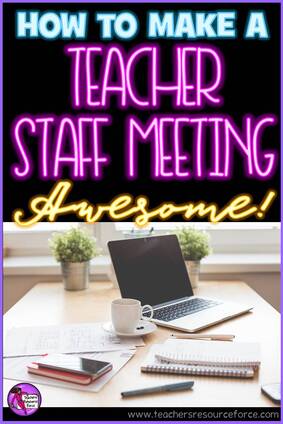
Are your meeting minutes scattered around on random pieces of paper hidden in all sorts of crevices in your desk and bag? Well fear not, as I have a great solution to keep all your notes organised in one place!
They're called Project Books and they are widely available. This one I picked up from a Supermarket for only £2.50, but I have also seen them in pound shops if you are on a tighter budget. This one is great quality though.
They're called Project Books and they are widely available. This one I picked up from a Supermarket for only £2.50, but I have also seen them in pound shops if you are on a tighter budget. This one is great quality though.
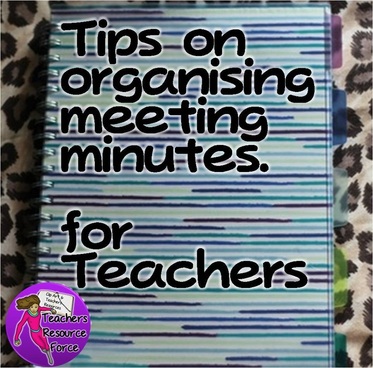
This is a spiral wound A4 book with a polypropylene cover and is divided into 5 sections with polypropylene tabbed sheets which can be moved around easily.
Also, as the tabs are made from polypropylene, it is possible to use a label maker or a sharpie to label the tabs for each of the meetings you attend, be it faculty, steering groups, SLT, SEN, middle managers etc.
Also, as the tabs are made from polypropylene, it is possible to use a label maker or a sharpie to label the tabs for each of the meetings you attend, be it faculty, steering groups, SLT, SEN, middle managers etc.
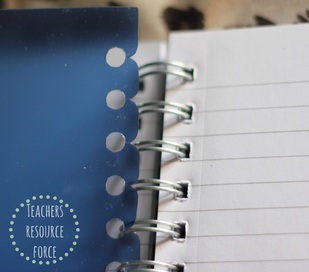
At time of purchase there wasn't a selection of designs to choose from, but this one is nice enough; you can always personalise the front cover if you are that way inclined!
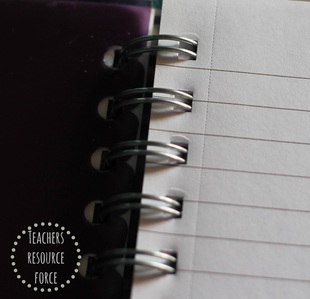
The pages are also perforated so you can neatly rip them out, hole punch them and put them in the appropriate coordinating file if you wish. Alternatively you can just keep them all contained in the book; it is quite handy being the only one in the meeting who is able to confidently quote from previous meeting minutes if you do this!
Enjoy being more organised in your meetings!
P.S. Click the "previous" button below to see more blog posts!
Enjoy being more organised in your meetings!
P.S. Click the "previous" button below to see more blog posts!
















 RSS Feed