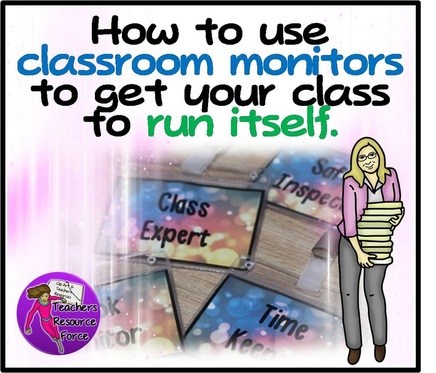
Aside from teaching, we have so many other roles in the classroom: handing out books and resources, registering, watching out for safety, time keeping etc. A great way of allowing more time for teaching and also passing ownership onto our students, is to give them some of these little roles so the class can run itself!
It's one thing to name your monitors, but it adds quite a unique and ultra responsible touch to provide your students with professional looking badges to wear with pride as they go about their very important role in the classroom!
Be sure to choose your monitors carefully for maximum behaviour management. Maybe that student who is usually quite disruptive but very able, might excel in being made a class expert where they can receive all the attention their heart desires but in a positive way, whilst reinforcing theirs and the other students' learning. Or maybe that "invisible" student might really benefit from having an important role in your classroom to help with their self esteem? This idea will also work well for group work where students are allocated specific roles.
Be sure to choose your monitors carefully for maximum behaviour management. Maybe that student who is usually quite disruptive but very able, might excel in being made a class expert where they can receive all the attention their heart desires but in a positive way, whilst reinforcing theirs and the other students' learning. Or maybe that "invisible" student might really benefit from having an important role in your classroom to help with their self esteem? This idea will also work well for group work where students are allocated specific roles.
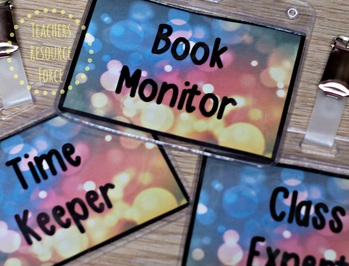
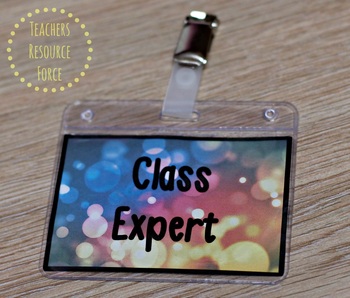
You will be amazed at how well students respond to the given responsibility and official badges to go with it. So give it a go and enjoy watching your classroom run itself with students being too busy to misbehave!
Check out the previous blog post!











 RSS Feed